Example gallery
Runnable example applications make the ElmTUI concepts concrete. Begin with the simple, then move to editor, games and diagnostics.
| Example | Role | Command |
|---|---|---|
| Minimal application | TEA update/view contract | ./scripts/examples.sh run minimal-app |
| Mini text editor | Editable buffer and asynchronous saving | ./scripts/examples.sh run mini-text-editor |
| Neon Pong | Input, animation and telemetry | ./scripts/examples.sh run neon-pong |
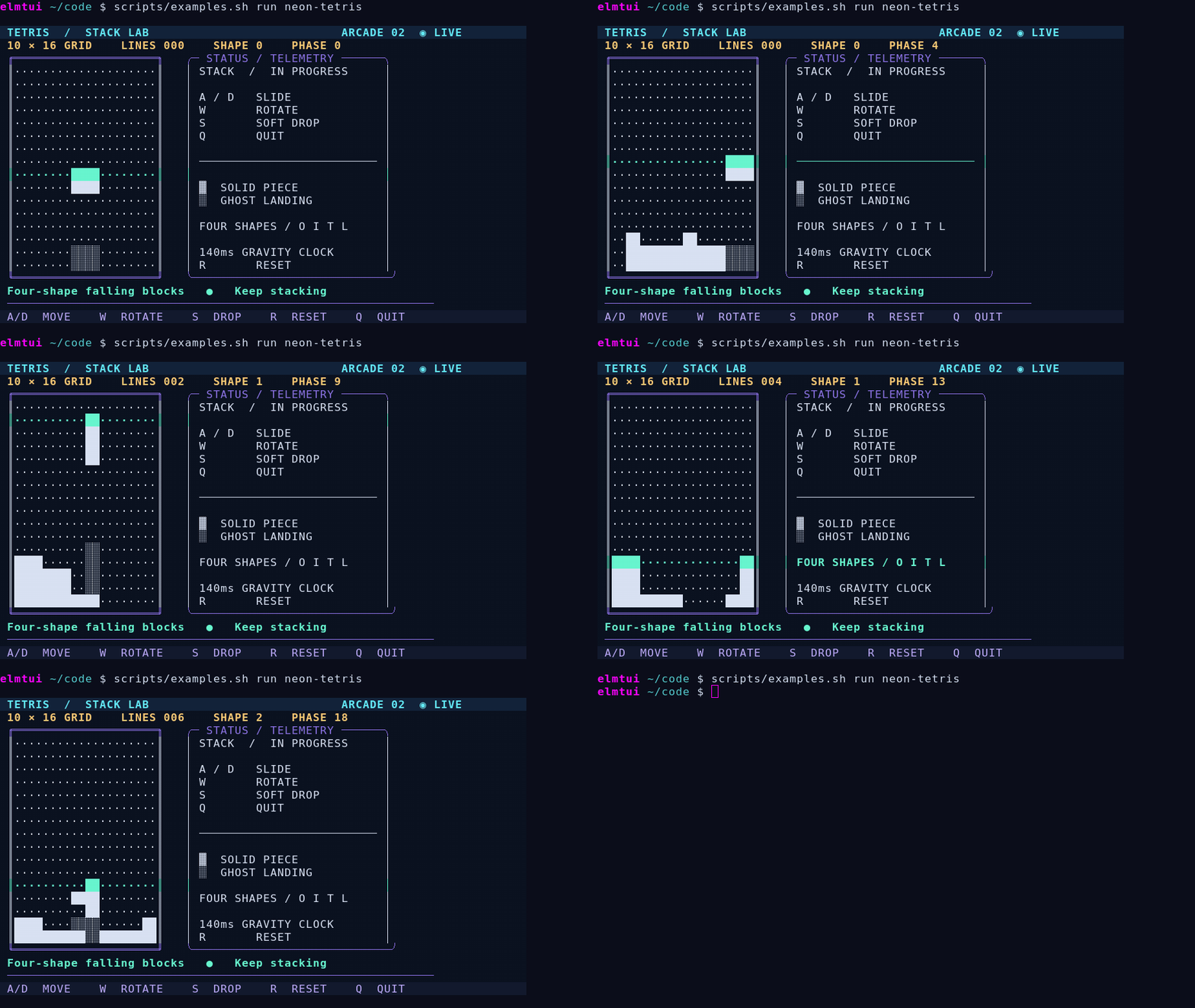
| Neon Tetris | Game loop and dynamic layout | ./scripts/examples.sh run neon-tetris |
| Neon Nano | Styled text editor with save flow | ./scripts/examples.sh run neon-nano |
| Neon Less | Read-only file viewer | ./scripts/examples.sh run neon-less |
| Key tester | Terminal key decoder instrumentation | ./scripts/examples.sh run key-tester |
| Wi-Fi menu | Asynchronous external-tool integration | ./scripts/examples.sh run wifi-menu |
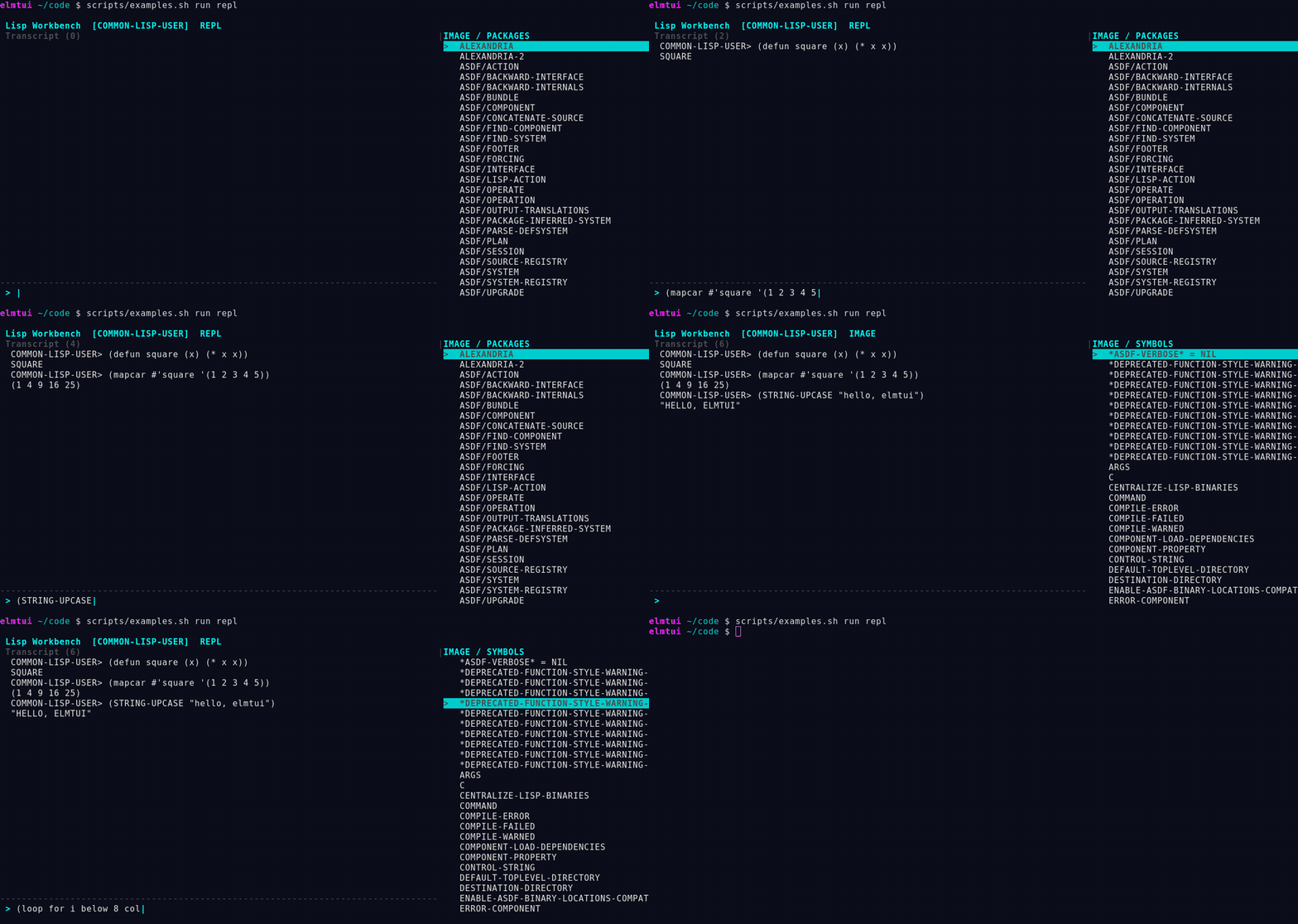
| Workbench | Interactive REPL, completion, inspector | See Workbench |
The maintained examples catalog records keybindings, configuration variables and known limitations. Live interactive PTY behavior remains part of the release gate; an example being present is not proof of passing tests.
Recorded sessions
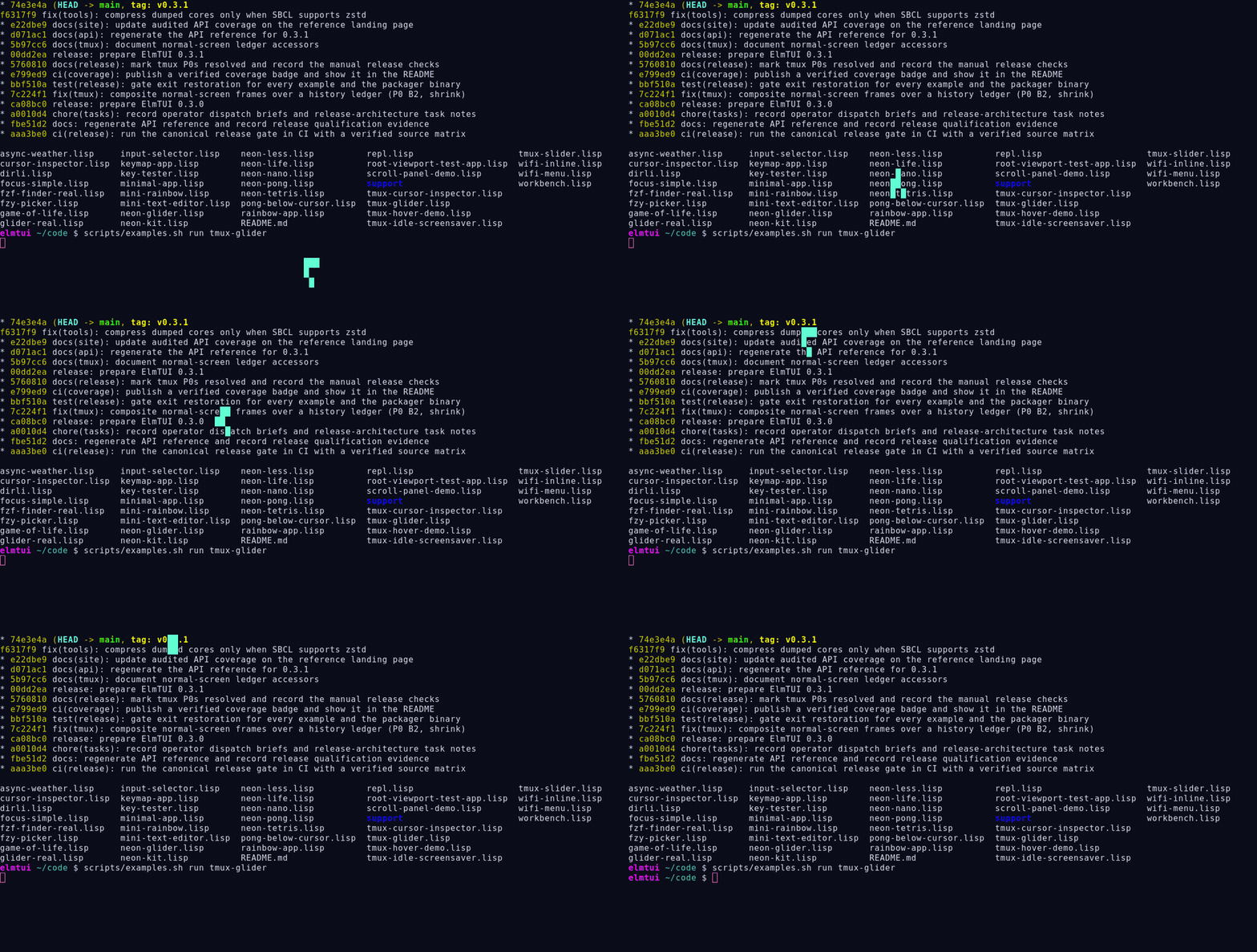
These are real terminal sessions of the maintained examples, launched with scripts/examples.sh run <name> in urxvt and tmux and recorded with scripts/record-demo-media.py.
tmux slider
TERMINAL SLIDER / ANIMATION PREVIEW
website/assets/terminal-slider.gif
Workbench
neon-tetris
tmux glider
The glider walks a Conway glider over whatever is in the tmux pane, then restores every cell and colour as it moves on.
Example authoring standard
Every public example should have a short summary, a reproducible launch command, terminal size requirements, keybinding summary, external dependencies, cleanup behavior, and at least one automated smoke test.